5 Easy Steps to Install OpenClaw in 2026 for Your AI Needs

Introduction to OpenClaw
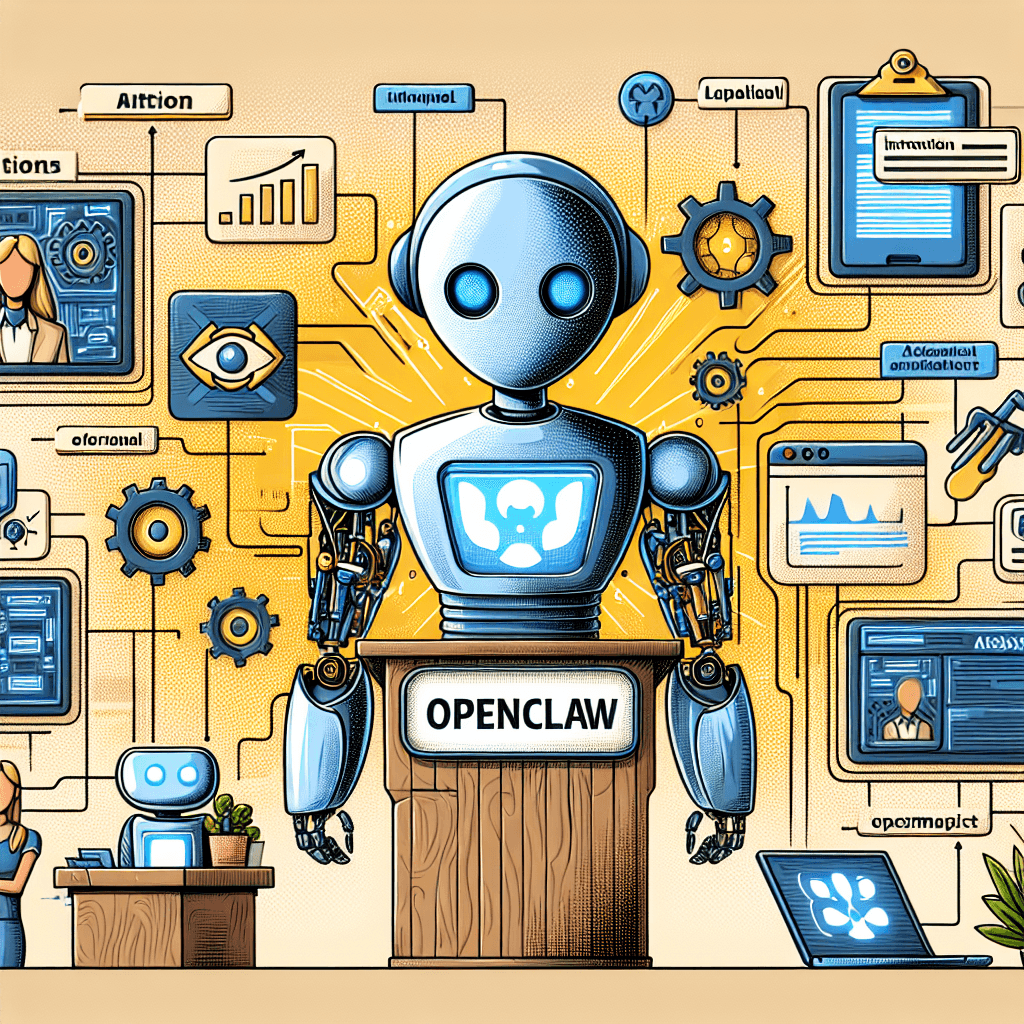
OpenClaw is an innovative AI assistant tailored for businesses and individuals who seek an efficient, self-hosted solution. It allows users to deploy AI instances quickly, addressing complex configurations with simplicity. As the demand for AI support continues to rise, OpenClaw stands out as a reliable tool to enhance productivity and streamline operations. For more insights about OpenClaw, visit OpenClaw — Personal AI Assistant.
Benefits of Using OpenClaw for Businesses
Utilizing OpenClaw brings a host of benefits to organizations looking to integrate AI into their operations. Some key advantages include:
1-Click Deployment: With StartClaw.ai, launching your OpenClaw instance requires just one click. This ease of use eliminates the lengthy setup processes associated with traditional solutions.
24/7 Availability: OpenClaw remains accessible around the clock. Its continuous operation enables businesses to provide timely responses to client inquiries, fostering enhanced customer service.
Seamless Integration: OpenClaw integrates effortlessly with popular messaging platforms, such as Telegram, WhatsApp, and Slack. This compatibility allows teams to engage with their AI assistant directly through their preferred communication channels.
“The right AI solution can significantly impact business efficiency, reducing downtime and improving service delivery.”
OpenClaw aims to fulfill this potential by giving businesses the tools they need to succeed in a fast-paced digital environment. See also: OpenClaw Installation Guide.
Why Choose a Self-Hosted Solution?
Choosing a self-hosted solution like OpenClaw offers several compelling benefits that can address common pain points experienced by businesses:
Data Privacy: With a self-hosted environment, you maintain control over your data. This is critical in an age where data privacy regulations are becoming stricter.
Customization: Self-hosting allows businesses to tailor OpenClaw to their specific needs. From integrating additional functionalities to customizing user interfaces, the options are vast.
Cost Efficiency: While cloud-based solutions often come with ongoing subscription fees, self-hosting can reduce long-term costs. Once deployed, the OpenClaw system incurs minimal maintenance expenses.
Scalability: OpenClaw can be scaled according to business needs. As your organization grows, you can easily expand your AI capabilities without being constrained by external providers.
In summary, OpenClaw offers an efficient, customizable AI solution designed for businesses ready to leverage technology for enhanced operations. Embracing a self-hosted approach empowers organizations to maximize their investment while safeguarding their data integrity. StartClaw.ai provides the infrastructure necessary to help you navigate these transformations seamlessly.
Prerequisites for Installing OpenClaw
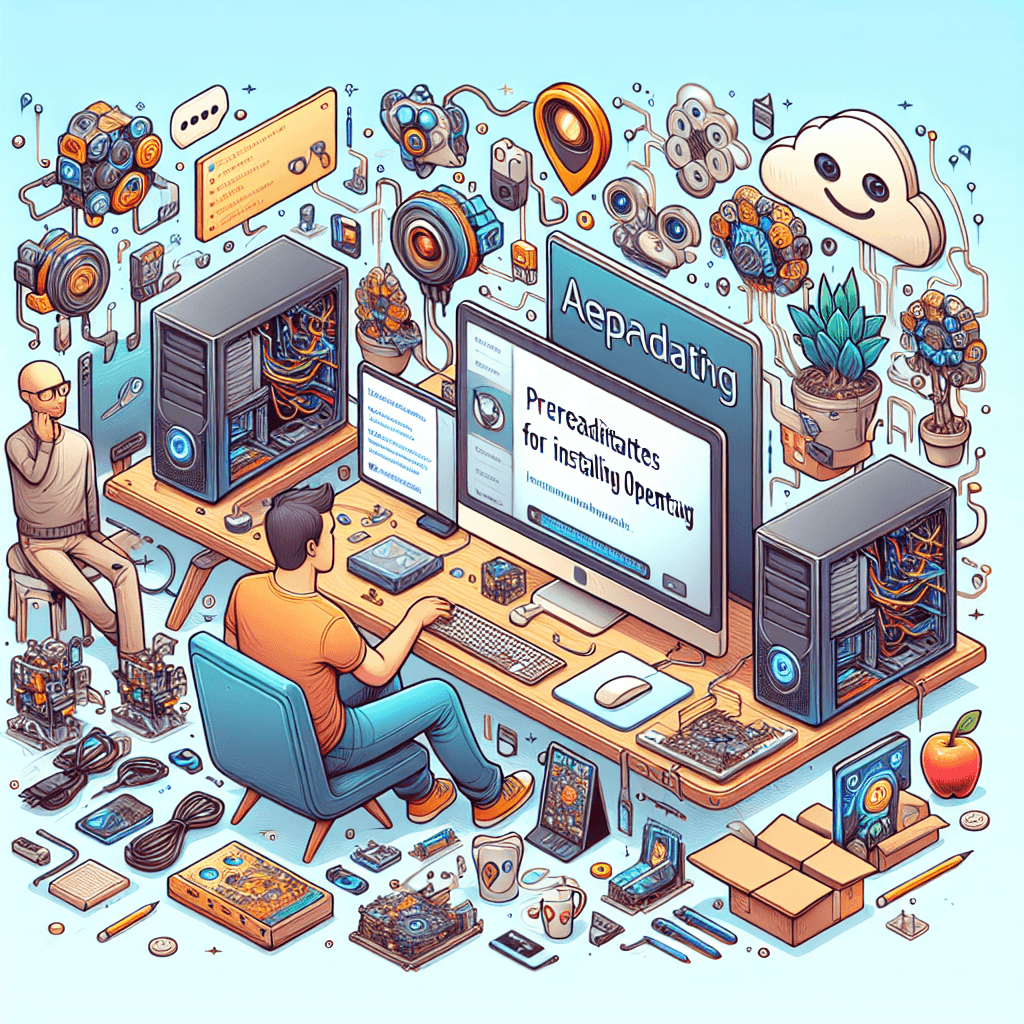
To get started with installing OpenClaw, you’ll need to ensure your system meets certain requirements and has a proper setup. This is a crucial step to facilitate a smooth deployment of your AI assistant.
System Requirements for OpenClaw
Before proceeding, confirm that your system meets the following requirements:
Operating System: OpenClaw supports Linux distributions, including Ubuntu and CentOS, as well as Windows with Docker installed.
RAM: A minimum of 4 GB of RAM is recommended, though 8 GB or more significantly enhances performance.
CPU: A multi-core processor ensures better handling of AI tasks and concurrent requests.
Disk Space: Allocate at least 10 GB of free space for installation, but more is advisable for optimal performance.
Network: A stable internet connection to pull Docker images and receive updates.
Understanding Docker and Terminal Basics
A fundamental knowledge of Docker and terminal usage is essential for installing OpenClaw.
What is Docker? Docker is a platform that enables the creation, deployment, and management of applications in containers. This abstraction simplifies the installation of OpenClaw.
Terminal Basics: Familiarize yourself with terminal commands since you'll need to interact with the command line for installation and configuration. Key commands you should know include
docker pull,docker run, anddocker-compose.
"Docker streamlines application deployments, accelerating your AI assistant's readiness for action."
Setting Up Your Environment for Deployment
Preparing your environment correctly will simplify the OpenClaw installation process:
Install Docker: Download and install Docker from the official Docker website. Follow the installation instructions carefully.
Docker Compose: Ensure Docker Compose is included in your Docker installation to manage multi-container applications effectively.
Verify Installation: Open your terminal and run
docker --versionanddocker-compose --versionto confirm your installations were successful.
Once you've set up your system and environment, you’re ready to install OpenClaw. This structured approach minimizes complications and ensures you can focus on deploying your AI assistant without the stress of intricate configurations.
Step-by-Step Installation Process
To successfully install OpenClaw, follow this detailed step-by-step guide designed for a seamless setup tailored to your AI needs.
Step 1: Create Your Cloud Instance
First, decide on your cloud provider—popular options include AWS, Google Cloud, or DigitalOcean.
Choose Your Plan: Select a plan that fits your resource requirements.
Create an Instance: Provision a new virtual machine (VM) instance. Ensure it has adequate CPU, RAM, and storage based on your expected AI workloads.
Configure Security: Set up firewalls and access controls to protect your instance.
Make sure your cloud instance is running a compatible OS, preferably Ubuntu or CentOS.
Step 2: Retrieve OpenClaw Installation Files
Now that your cloud instance is ready, it’s time to get the OpenClaw installation files.
Access the Official Repository: Open your terminal and clone the OpenClaw GitHub repository using the command:
Navigate to the Directory: Move into the OpenClaw directory with:
Download Dependencies: Ensure that you install any required packages by following the instructions listed in the repository’s README file.
Step 3: Configure Docker for OpenClaw
OpenClaw relies on Docker to run smoothly. You’ll need to configure it appropriately.
Install Docker: If Docker isn’t already installed, use the following command:
Set Permissions: Add your user to the Docker group to avoid needing sudo for every Docker command:
Verify Installation: Check if Docker is running properly:
Step 4: Deploy OpenClaw with 1-Click Installation
With Docker set up, you can now deploy OpenClaw easily.
Run the 1-Click Installer: Execute the installation script found in your OpenClaw directory with:
Monitor Installation: Follow the prompts and monitor the installation logs. Any errors will usually be displayed here.
Remember, deploying OpenClaw is designed to be straightforward. If you encounter issues, consult the troubleshooting section in the OpenClaw documentation.
Step 5: Connect OpenClaw to Messaging Platforms
After deployment, integrate OpenClaw with your preferred messaging platforms for seamless accessibility.
Choose Your Platforms: OpenClaw supports integration with Telegram, WhatsApp, and Slack.
Follow Integration Guides: Refer to specific integration guides provided in the OpenClaw documentation for each platform.
API Configuration: Set up API keys as instructed to allow communication between OpenClaw and the messaging platforms.
Once integrated, your AI assistant will be available round-the-clock, providing support whenever you need it.
This concise installation process is designed to minimize complexities and ensure that you are ready to deploy OpenClaw in no time. Once set up, you’ll have a powerful AI assistant at your fingertips, empowering your business or personal projects effectively.
Post-Installation: Configuring and Optimizing OpenClaw
To maximize the performance of OpenClaw after installation, you need to focus on configurations that enhance usability and efficiency. Here are key areas to consider.
Setting Up Notifications and Alerts
Effective communication is vital for any AI assistant. Setting up notifications and alerts will ensure that important updates and interactions are never missed.
Integrate Messaging Platforms: Connect OpenClaw with platforms like Telegram, WhatsApp, or Slack for immediate updates.
Customize Alert Settings: Adjust notification preferences to suit your specific business needs. This includes:
Selecting when to receive alerts (immediately, daily summaries, etc.)
Choosing preferred channels for notifications.
"Timely notifications can significantly enhance decision-making and responsiveness."
Customizing OpenClaw's User Interface
A user-friendly interface is crucial for maximizing engagement with your AI assistant. Customization can improve the overall experience for team members and clients.
Adjust Themes and Layouts: Tailor the visual elements to match your brand’s identity. Consider:
Color schemes
Font styles
Logo placement
Set User Roles and Permissions: Define user access levels to streamline operations. For example:
Admins may have full access to features.
Regular users can be restricted to certain functionalities.
Ensuring 24/7 Availability for Your AI Assistant
To take full advantage of OpenClaw, its round-the-clock availability is essential. Here are some strategies to maintain constant service:
Choose Reliable Hosting Options: Select a robust cloud service that guarantees uptime. Factors to consider include:
Service Level Agreements (SLAs)
Geolocation of servers
Implement Auto-Scaling: Configure your setup to automatically scale resources based on demand. This ensures consistent performance during peak times.
Regular Monitoring: Utilize tools to track performance metrics and uptime. This will help in:
Quickly identifying and troubleshooting issues
Ensuring that the assistant remains active and responsive to user queries.
Optimizing your OpenClaw instance can drastically enhance its capabilities and responsiveness. By focusing on setting up notifications, customizing the interface, and ensuring availability, you will create a powerful asset for your business.
Why StartClaw.ai is the Solution You Need
StartClaw.ai offers an efficient solution for deploying OpenClaw, combining ease of use with powerful capabilities. As businesses and individuals navigate the complexities of AI deployment, our platform simplifies the journey.
Quick and Simple 1-Click Deployment of OpenClaw
One of the standout features of StartClaw.ai is the 1-click deployment of OpenClaw instances. This means no more wrestling with complex terminal commands or intricate Docker configurations.
Immediate Setup: Users can go from zero to deployment in a matter of minutes.
User-Friendly Interface: Designed for both technical and non-technical users, making it accessible to everyone.
Reduced Time to Market: Businesses can quickly implement AI solutions, enhancing operational efficiency.
This streamlined process allows users to focus on what matters most – maximizing the utility of their AI assistant rather than getting bogged down in setup.
Seamless Integration with Popular Messaging Platforms
In today's digital landscape, communication is key. StartClaw.ai excels in providing seamless integration with popular messaging platforms.
Multiple Channels: Connect OpenClaw with Telegram, WhatsApp, Slack, and more, ensuring that your AI assistant is available where it's most needed.
Consistent User Experience: Users have a unified experience across their preferred platforms, enhancing engagement.
24/7 Availability: Keep your AI assistant accessible at all times, ensuring reliable support for your business operations.
Integrating OpenClaw into existing workflows can substantially improve productivity, making it an invaluable tool for businesses dedicated to excellence in customer service.
Expert Support for a Hassle-Free Experience
While our platform is designed for ease of use, we understand that questions can arise during deployment and operation. StartClaw.ai offers expert support to ensure a hassle-free experience for every user.
Dedicated Support Team: Our experts are available to assist you with any queries that may arise.
Comprehensive Resources: We provide extensive documentation and tutorials to guide you through every step of setup and optimization. For detailed installation help, see How to Install OpenClaw: Step-by-Step Guide.
Community Engagement: Join a growing community of StartClaw users. Share experiences, tips, and best practices with fellow AI enthusiasts.
"Having expert support at hand made all the difference when I was setting up my OpenClaw instance. It’s reassuring to know help is just a click away."
With StartClaw.ai, deploying and maintaining your AI assistant becomes a seamless process. Your business deserves the best support, and we’re here to provide it.
Comparing OpenClaw with Other Solutions
OpenClaw.ai stands out for its ease of deployment, especially in comparison to other solutions in the self-hosted AI space. Here, we delve into key differences between OpenClaw.ai and its counterparts, as well as explore alternative self-hosted AI solutions to help you choose the right fit for your business.
OpenClaw vs. OpenClaw.ai: Key Differences
Deployment Ease: OpenClaw.ai offers 1-click deployment, simplifying the installation process. Traditional OpenClaw deployments often involve complex configurations that can deter some users.
Support & Updates: OpenClaw.ai provides regular updates and professional support. In contrast, some open-source versions may lack timely enhancements and troubleshooting assistance.
Integration Capabilities: The integration of OpenClaw.ai with popular messaging platforms like Telegram, WhatsApp, and Slack is seamless. Other versions may not offer the same level of cross-platform interoperability.
Alternative Self-Hosted AI Solutions
When considering self-hosted AI solutions, businesses often evaluate several options. Key alternatives include:
MyClaw.ai: Focuses on customizable chat experiences but requires deeper technical knowledge for deployment.
OpenClaw.im: Provides community-driven support but may lack comprehensive documentation for quick setup.
OpenClawd.ai: Emphasizes scalability, yet implementation might involve intricate system configurations.
Evaluating these options involves understanding your specific needs in terms of both technical complexity and available support.
Choosing the Right AI Assistant for Your Business Needs
Selecting an AI assistant tailored for your organization requires careful consideration of several factors:
Technical Expertise: Assess your team's familiarity with collective deployment processes. If technical configuration proves challenging, OpenClaw.ai may be the most viable choice.
Deployment Speed: For businesses needing rapid deployment without extensive setup times, the one-click installation offered by StartClaw.ai is invaluable.
Support Requirements: Evaluate the level of support your business might need. OpenClaw.ai offers dedicated support, crucial for organizations that may struggle with self-managed solutions.
“In today’s fast-paced environment, having an AI assistant available 24/7 is essential for maintaining competitiveness.”
In conclusion, whether you choose OpenClaw.ai or explore alternatives, understanding the differences is vital to optimizing your AI deployment strategy.
Conclusion
The installation process of OpenClaw is designed to be straightforward, empowering users to get their AI assistant up and running with ease. By following the outlined steps—creating your cloud instance, configuring Docker, and completing the necessary settings—you set the foundation for effective AI deployment.
Now that your OpenClaw instance is installed, it's time to configure and optimize for the best performance. This includes setting notifications, integrating messaging platforms, and customizing user interactions. Such attention to detail ensures that your AI assistant operates smoothly and meets your specific needs.
Advantages of OpenClaw and Self-Hosted AI Solutions
OpenClaw represents a significant advancement in self-hosted AI solutions, particularly with its ease of deployment and customization capabilities. Businesses can leverage the full potential of AI while maintaining control over their data.
“Self-hosted solutions like OpenClaw bring a level of autonomy and privacy that cloud-based systems often lack.”
Moreover, with a focus on security, scalability, and flexibility, OpenClaw stands as a superior choice in a landscape filled with alternatives. The system allows users to tailor functionalities and integrations, ensuring that they meet their unique operational demands.
Start Your OpenClaw Journey Today
As you reflect on the installation process and the benefits that OpenClaw provides, consider how this powerful AI can enhance your business operations. No more wrestling with complex configurations or navigating cumbersome setups. With StartClaw.ai, the transition to a self-hosted AI assistant has never been more accessible.
Begin your journey today and transform how you interact with AI. The future of efficient, responsive, and powerful AI assistance is at your fingertips with OpenClaw.
For a complete guide, refer to "The simplest and fastest way to setup OpenClaw" here.